
Does your business appear correctly in Apple Maps? Apple Business, since April 2026
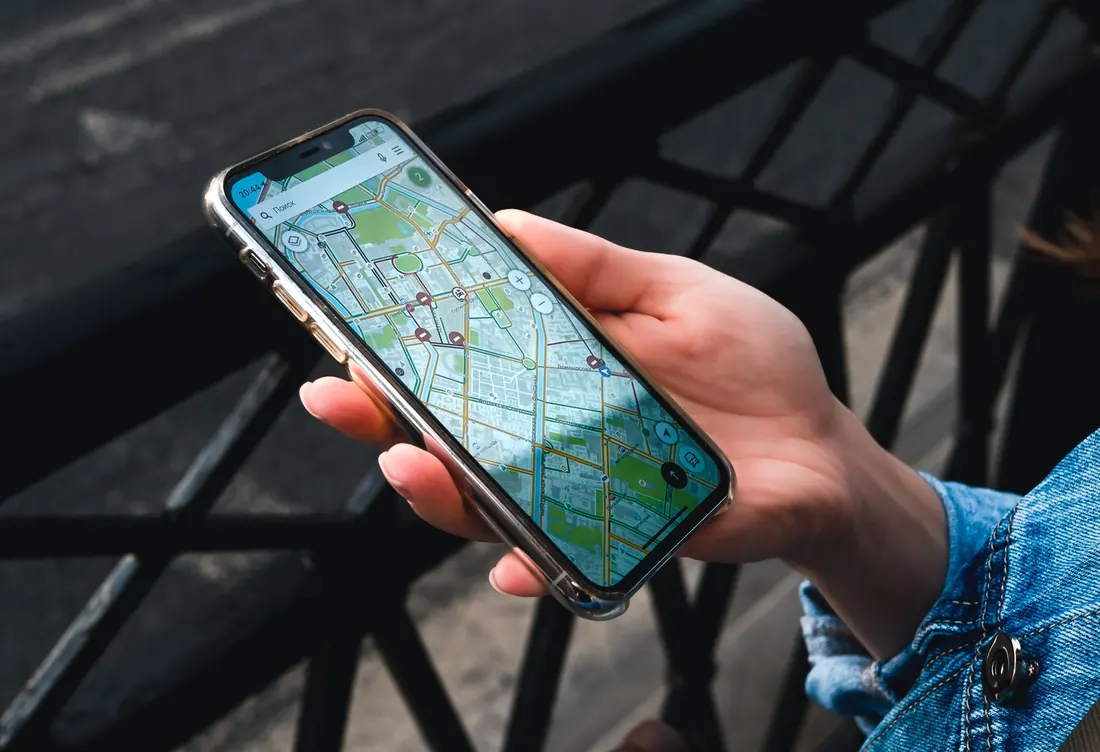
Everything we have written about local visibility talks about Google, and rightly so: that is where most of it plays out. But an iPhone asking "Siri, a pharmacy that's open" or plotting a route in Maps does not ask Google. It asks Apple's map, where your business may already be present, with a listing you have never opened, filled in with whatever Apple found on its own. Updating Google does not update Apple: a correct address in Google Maps can stay wrong in Apple Maps. And since April 2026, the tool for managing it has changed its name, and its scope.
More than a third of mobile traffic
The figure that makes this concrete comes from StatCounter, which measures operating system share in mobile web traffic. For France, in August 2026, iOS accounts for 36.26% of that traffic and Android for 63.73%. The figure moves from month to month, it was 34.5% in March and 32.3% in June, and it measures web visits, not people or customers. Keep the order of magnitude: more than a third of measured mobile traffic. On those devices, Apple can show your business's information in Maps, Siri, Safari and Spotlight, from its own listing, not from your Google listing.
A business can therefore be spotless on Google, hours up to date, recent photos, reviews answered, and show in Apple Maps an approximate address, guessed opening hours and no photo at all. It will never know, because the person who lands on it does not call to report the error. They go elsewhere.
What changed on 14 April 2026
Until spring, the tool was called Apple Business Connect. Apple launched it on 11 January 2023, replacing an older service, to let any business claim its listing and customise it in Maps, Messages, Wallet and Siri; in October 2024 it opened to businesses without a physical address.
On 24 March 2026, Apple announced the merger of three previously separate services, Apple Business Connect, Apple Business Manager and Apple Business Essentials, into a single platform called Apple Business, available since 14 April 2026 in more than 200 countries and regions, and free, including the device management that was paid before. The three original services were discontinued. If you had already claimed your listing, it was migrated automatically with your account. If you never had, the listing exists all the same, filled in by Apple, and Apple Business is now where it gets taken back.
According to Apple's announcement, the part that concerns you, brand management, lets you keep a consistent name, logo and details across Maps, Wallet and other apps; enrich the listing with photos, hours and offers, shown in Maps, Safari and Spotlight; add action buttons to your website or app; and read statistics on searches, views and taps on those buttons. One limit that sales presentations often forget to mention: advertising in Maps, announced for summer 2026, concerns the United States and Canada only. Nobody can sell it to you in France at the date of this article.
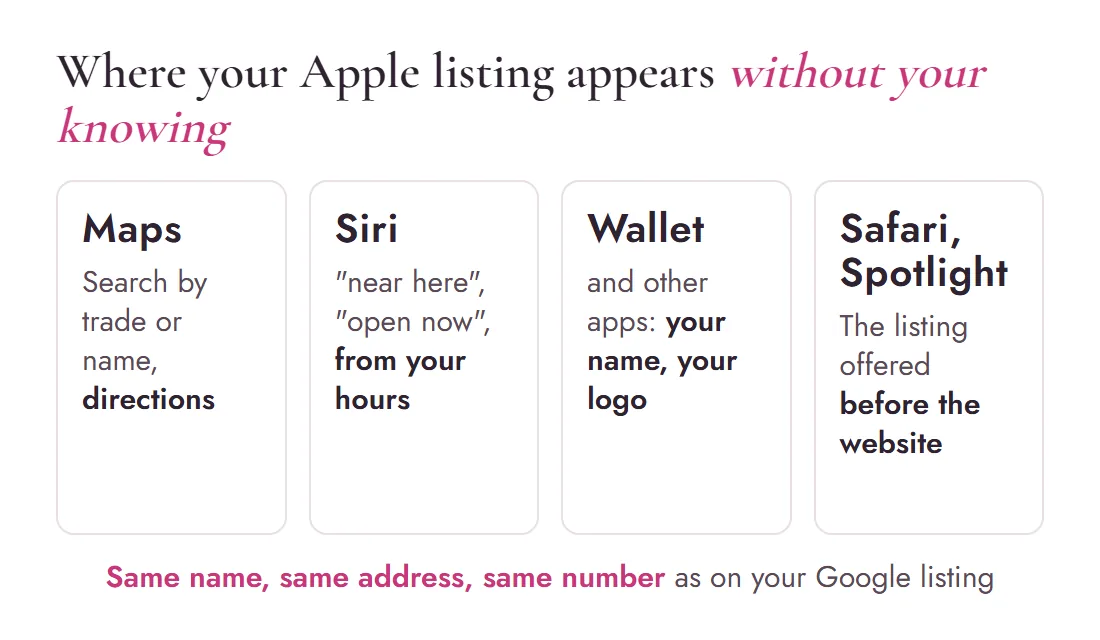
Where your listing appears without your knowing
- Maps, when someone searches your trade or your name, and when they plot a route to you.
- Siri, when asked out loud for a business "near here" or "open now". The answer depends on your hours as Apple knows them.
- Wallet and other apps, where Apple can reuse your name and logo, according to its announcement.
- Safari and Spotlight, the iPhone's built-in search, which suggest your listing before a website is even opened.
The rule that applies to Google applies here too: same name, same address, same number everywhere. Google and Apple do not read the same sources, and an inconsistency between the two shows up at a moment you do not choose.
Claiming the listing, according to Apple's guide
The steps below follow Apple Business's official support guide, the page "Add a location", as it was online on 4 September 2026. Screens may evolve; the guide remains the reference if something differs.
- Create the account at business.apple.com, with an Apple ID that has a phone number attached. It is free.
- Add your location. In the menu, choose the brand then locations, and the add button. Type the business name: if the listing already exists on the map, which is the most common case, select it rather than creating a second one. Check that the pin sits on the right building; it can be moved.
- If the listing is already managed by someone else, a former agency for instance, Apple says so. You can carry on and request a transfer, with a supporting document such as a company registration extract or an invoice in the business's name. Review takes up to five working days.
- Verify the organisation, then the location. Apple asks you to verify the organisation with supporting documents; review takes up to five working days, and it is done once. For a location that already exists in Maps, a separate phone verification may be offered: Apple calls the number attached to the listing and gives a four-digit code. If that number is not yours, the guide says to contact Apple Business support.
- Fill it in. Hours, including public holidays; category; photos you took, not stock images; logo; the action button that matches your trade, book, order, call, go to the website. Allow an hour the first time.
Then come back once a quarter to read the statistics, and every time your hours change. A listing claimed and never reopened becomes, over time, a guessed listing again.
To understand how Google, Apple and your own website work together for your local visibility, and in which order to deal with them, the starting point remains our local visibility guide: this article is one chapter of it, the one almost nobody opens.
A ten-minute check, without an account
Before even creating the account, borrow an iPhone, or take yours. Open Maps and type your business name. Look at the hours, the address, the photo, the number. Ask Siri for your trade "near here" and see whether you come up, and with what information. What you see there is what anyone searching for you from an iPhone without going through Google already sees.
Frequently asked questions
Does Apple Business Connect still exist?
Not under that name. On 24 March 2026, Apple announced the merger of Apple Business Connect, Apple Business Manager and Apple Business Essentials into a single platform, Apple Business, opened on 14 April 2026 in more than 200 countries. Listings already claimed and accounts were migrated automatically. A business's listing is now managed in Apple Business, free of charge.
Is it really useful if my Google listing is well kept?
Yes, because updating Google does not update Apple. Maps, Siri, Safari and Spotlight can show your business's information from the Apple listing, not from your Google listing. In France, in August 2026, iOS accounts for more than a third of mobile web traffic measured by StatCounter. On those devices, a correct address in Google Maps can stay wrong in Apple Maps.
How much does it cost?
Nothing. Apple Business is a free service, including the brand and location management part. An agency may charge you for the time to do it for you; it cannot charge you for access.
Can you advertise in Apple Maps in France?
Not at the date of this article. Apple announced ads in Maps from summer 2026 for the United States and Canada only. An offer proposing that to you in France today is selling something that does not yet exist.
More questions? Many answers are already gathered on our FAQ page.
A Google listing and an Apple listing that match, are kept up, and get re-read every quarter?
We take both maps in hand at the same time, with the same name, address, hours and photos, and we show you what a customer sees from each phone.
Information current as of 4 September 2026. Main sources: Apple Newsroom, 24 March 2026, "Introducing Apple Business" · Apple Newsroom, 11 January 2023, launch of Apple Business Connect · Apple Business support guide, "Add a location", consulted on 4 September 2026 · StatCounter, mobile operating system share, France, August 2026. Cover photo: Technobulka, Pexels.

Written byMaryna Skachek holds a PhD in biology, is a qualified e-commerce project manager and the founder of MariCleo Studio. She writes about digital strategy, content and the professional uses of AI.
The two maps, and what links them
The Google listing, full guide
The first map, where most of it plays out, kept with the same rigour.
Read the guide →Being visible locally
Same name, address and phone everywhere: the consistency Google and Apple each read on their own side.
Read the article →Local SEO & maps
Both listings taken in hand together, then re-read every quarter.
See the service →